

Podofly is an audio-to-video creation tool within Castofly, built to help podcasters and other audio creators turn spoken content into engaging, shareable videos. Instead of learning complex editing software, users could edit their audio, review an automatically generated transcript, match keywords with relevant visuals, add animated audiograms, and export the finished video from one connected workspace.
The product was developed and released in 2022 as an extension of the broader Castofly platform, making video creation more approachable for people with little or no editing experience.
As Castofly’s sole Lead UX/UI Designer, I owned the complete Podofly design experience from the initial product flow through to the final interface. I designed the audio editing workflow, transcript and keyword experience, visual matching tools, audiogram system, collaboration features, and exporting journey.
I worked closely with the founders and developers to turn a technically complex creation process into a clear and approachable product. I also developed the visual direction and created an animated product walkthrough to communicate how the complete experience worked.
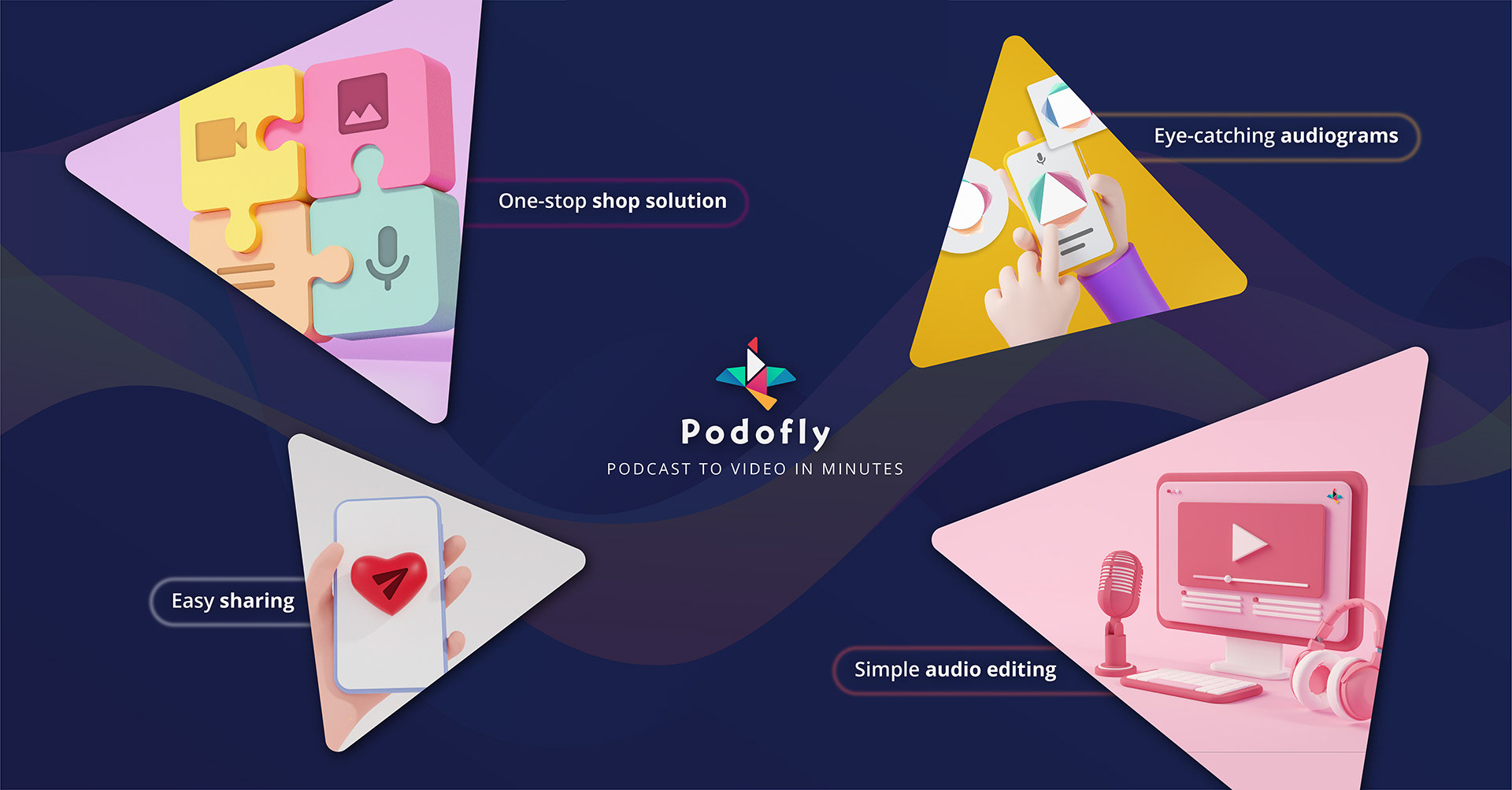
Podofly is an audio-to-video product created as part of Castofly. It helped people with little or no editing experience transform podcasts and other audio content into engaging videos.
As Castofly’s only designer, I led the complete product design for Podofly, including the workflow, editor interface, audiogram system, collaboration features, visual direction, and animated product walkthrough.
I created this walkthrough to explain the full Podofly experience, from uploading audio to turning it into a shareable video. It was later shared by Castofly’s founder on LinkedIn and other social channels.
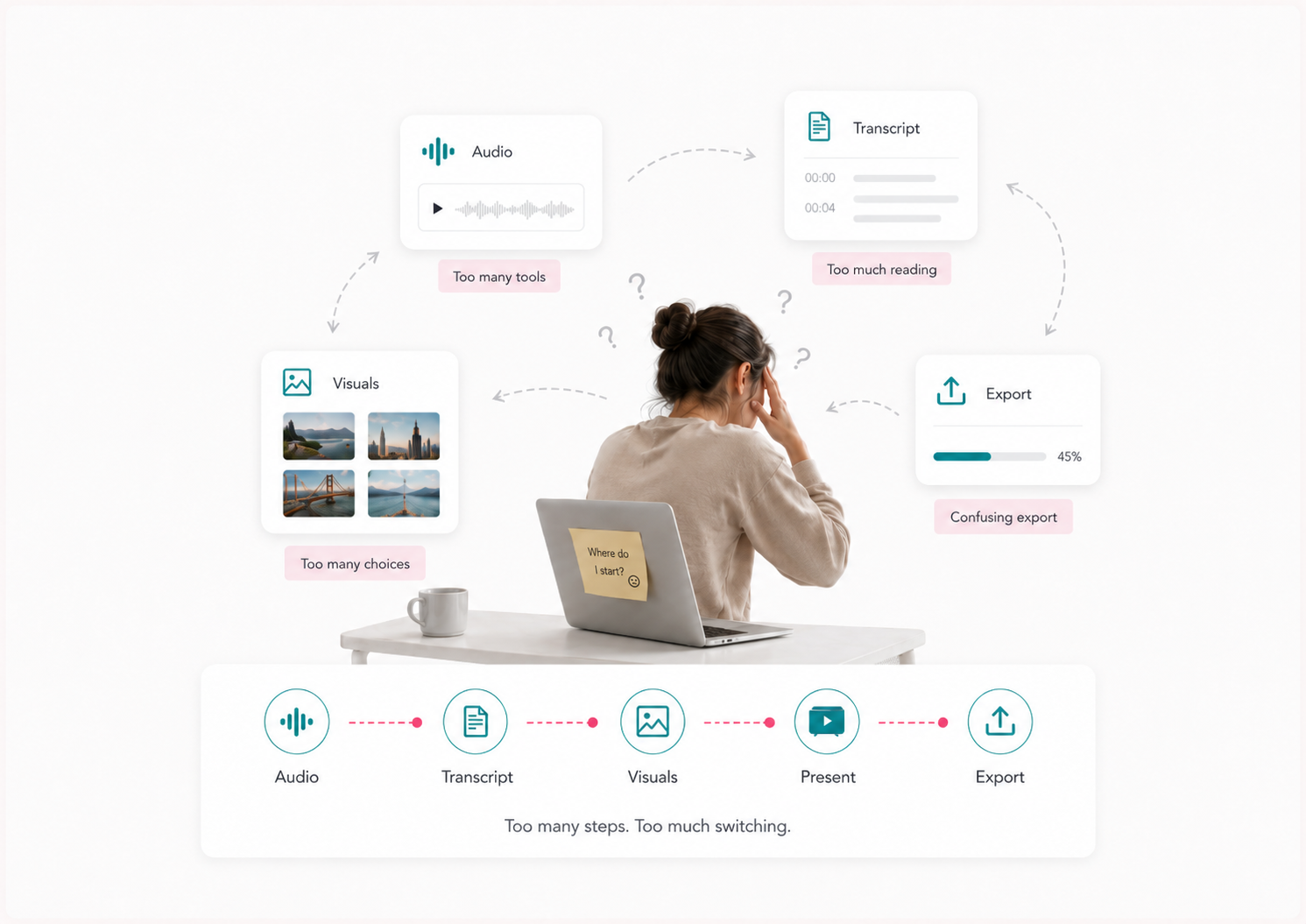
Audio creators often need video to promote their work across social platforms, but most editing tools are designed for people who already understand timelines, layers, media libraries, and production workflows.
Podofly needed to bring audio editing, transcription, visuals, and presentation tools into one product without overwhelming beginners.
The challenge was not simply adding more features. It was deciding how to organize them so creators could understand what to do next and still feel in control of the final result.
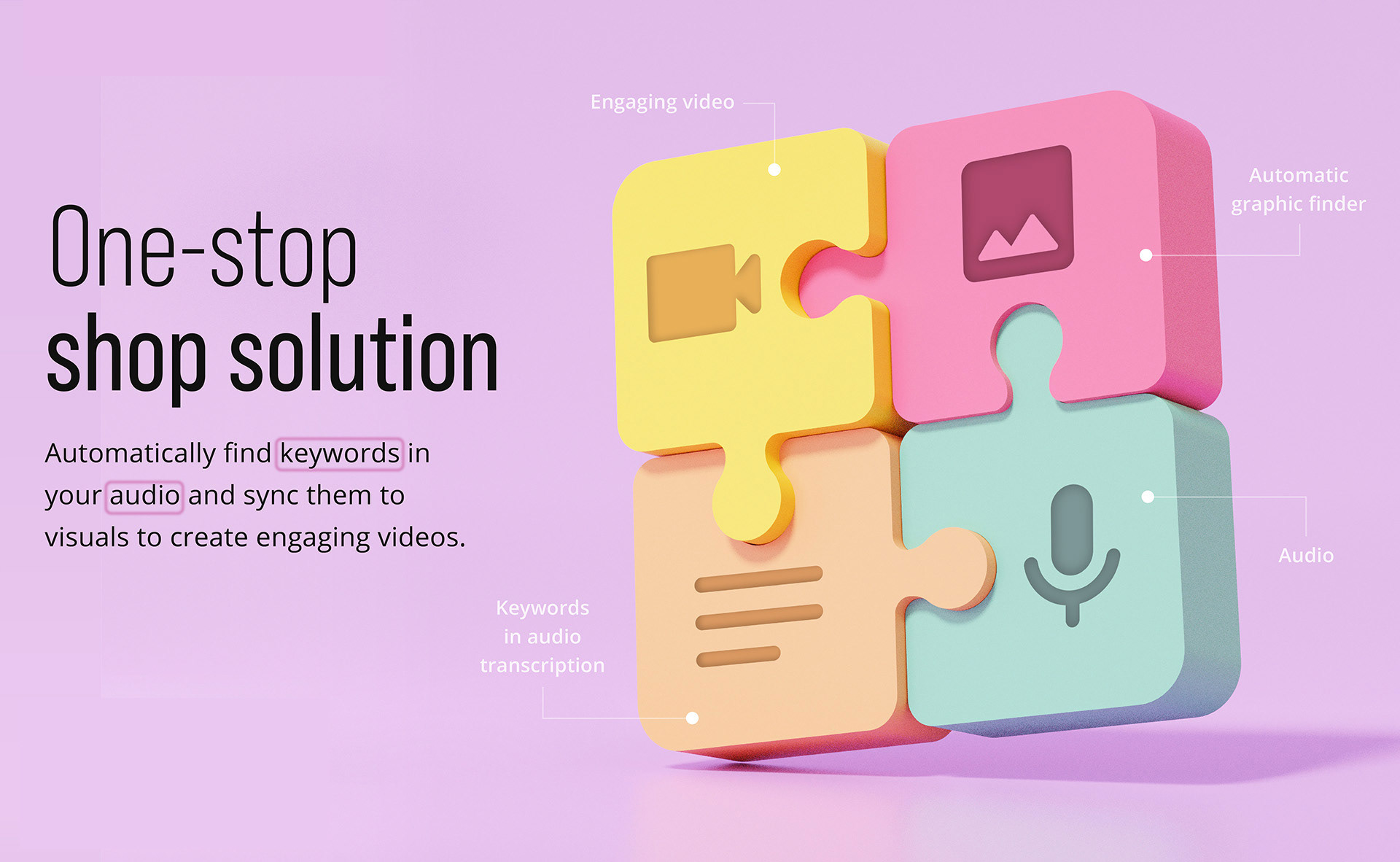
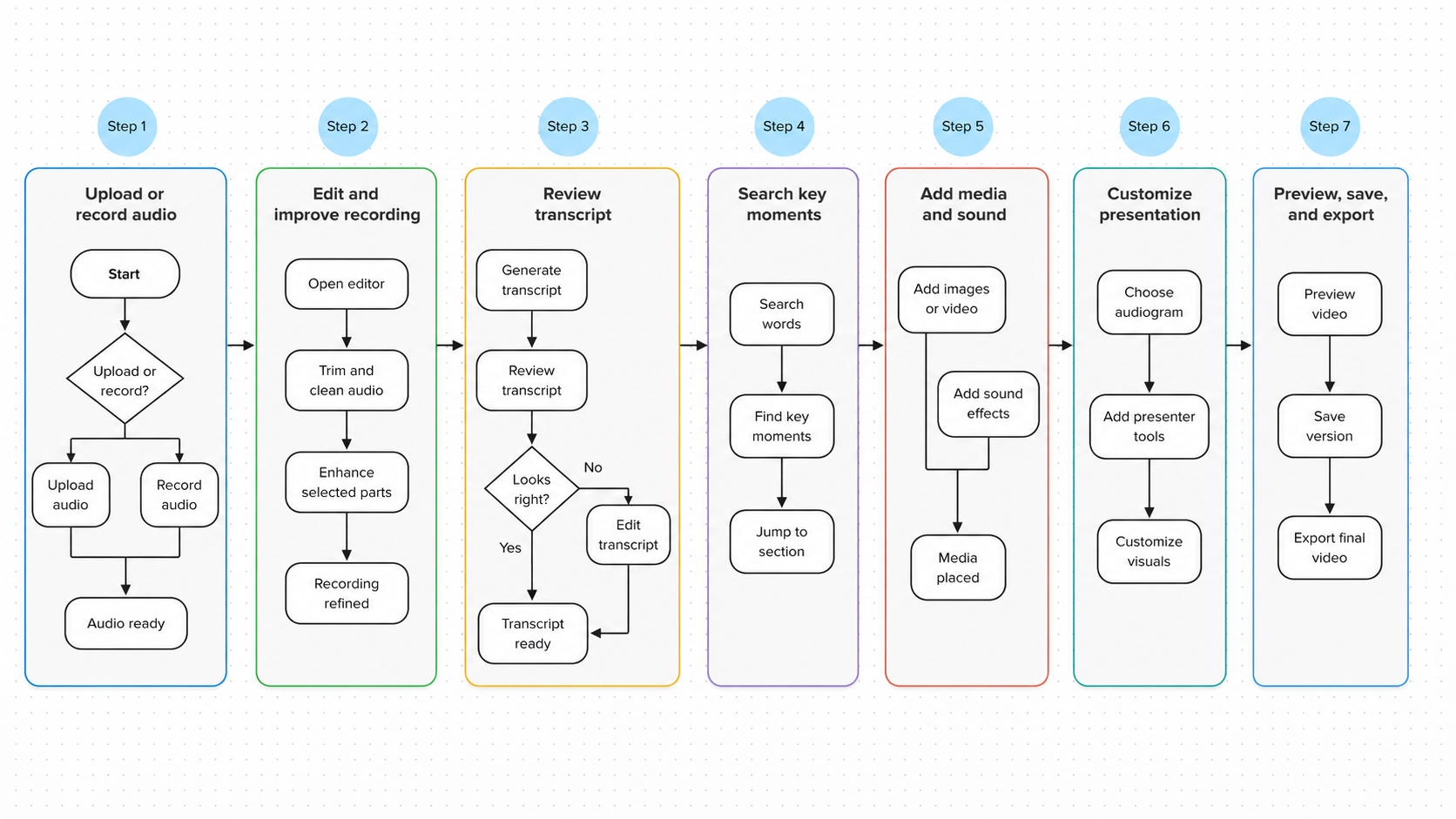
I designed Podofly around the natural order in which creators build audio-based videos:
Upload the recording → improve the audio → review the transcript → find key moments → add visuals → customize the presentation → preview and export
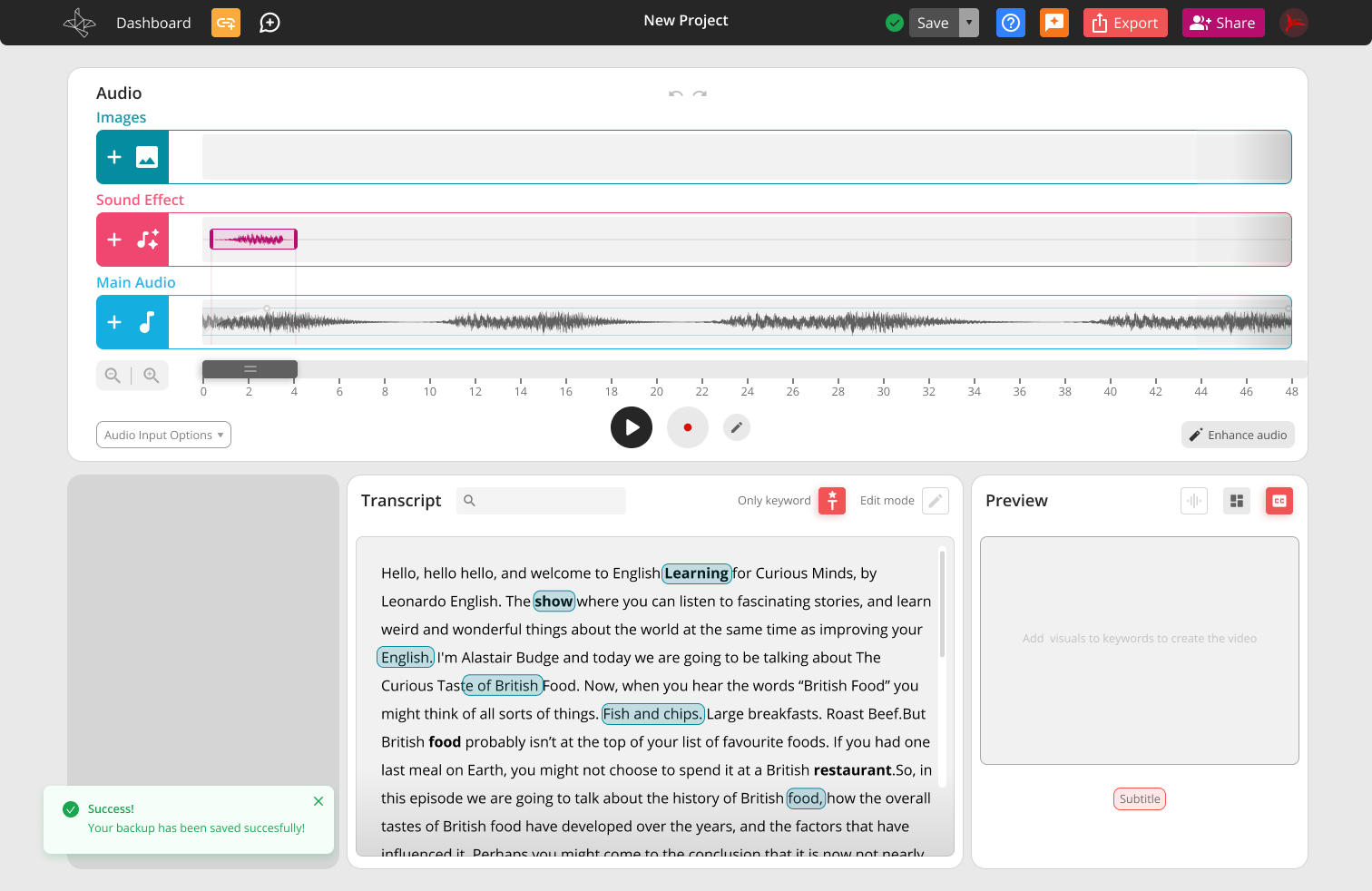
The editor kept the audio and transcript at the centre of the experience, while supporting tools were organized into clear panels. This gave beginners a guided path without removing the flexibility needed to personalize their work.
I started by breaking the experience into the main decisions a creator would need to make, from uploading the original recording to exporting the finished video.
This helped define the editor structure and the relationship between audio, transcript, media, presentation tools, and preview.
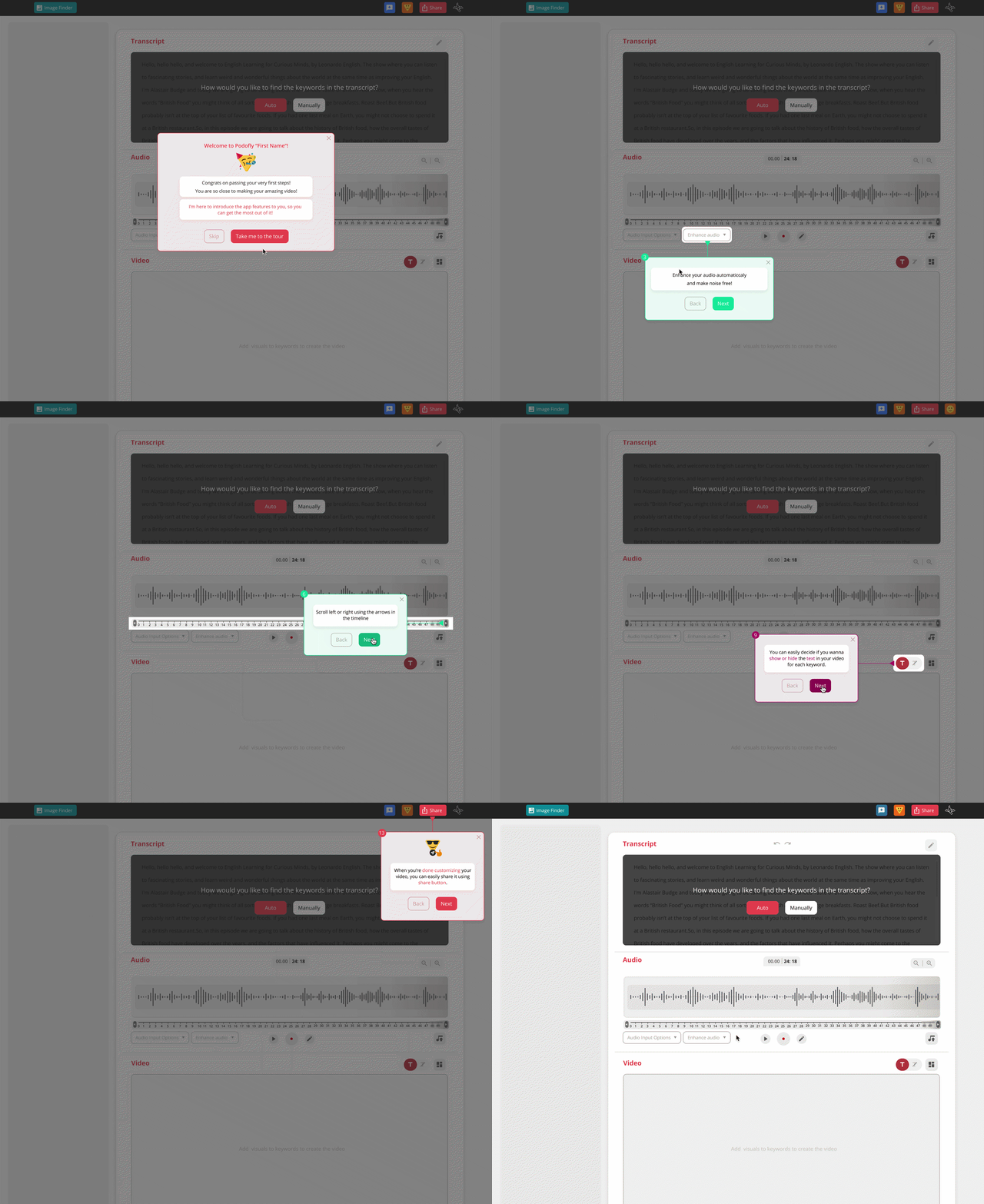
Creative editors can become intimidating very quickly, especially when every control is visible at the same time.
I organized the workspace around the main task and introduced supporting tools through panels, modals, and guided interactions. The product tour helped new users understand each area of the editor without needing to explore everything on their own.
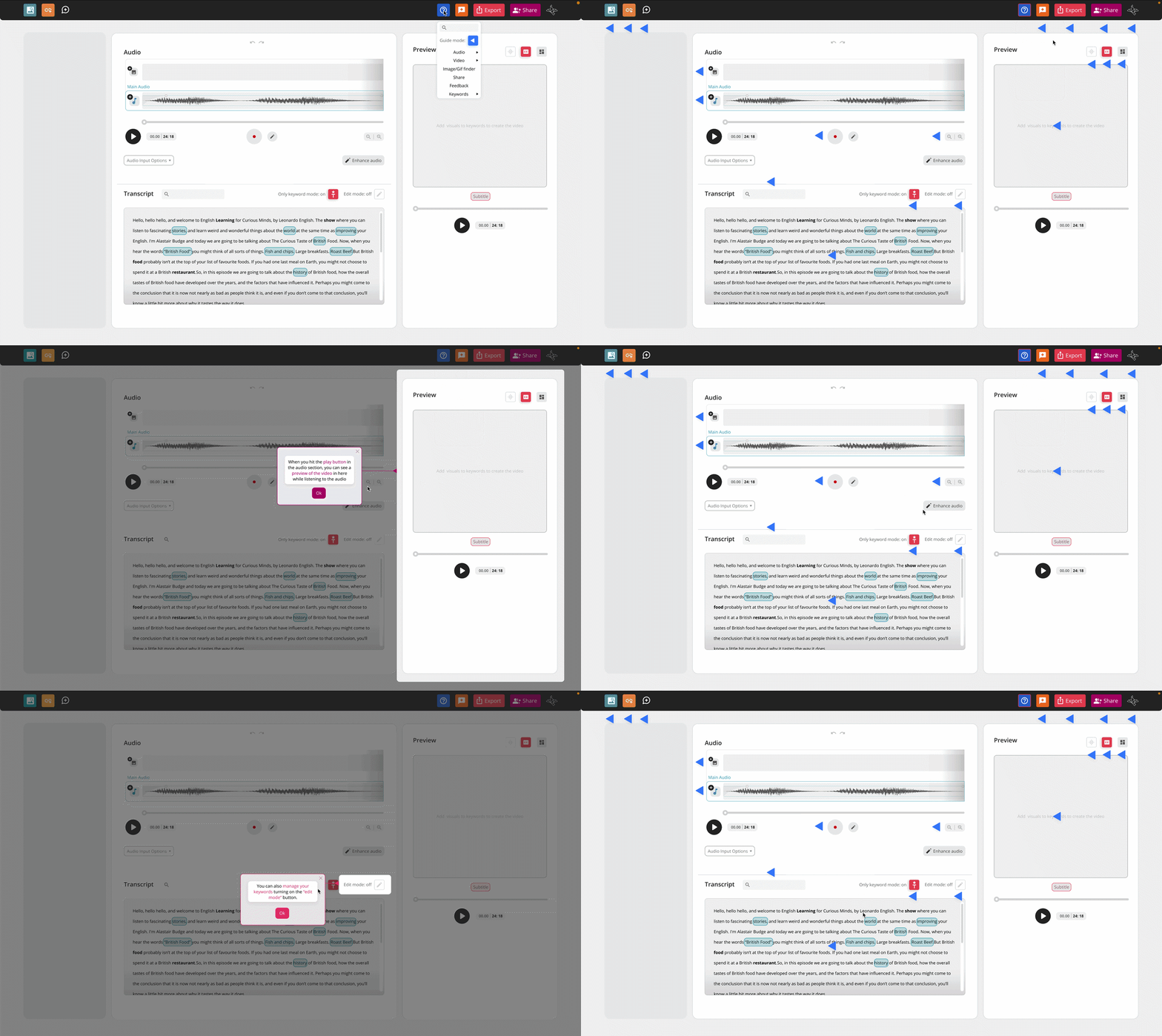
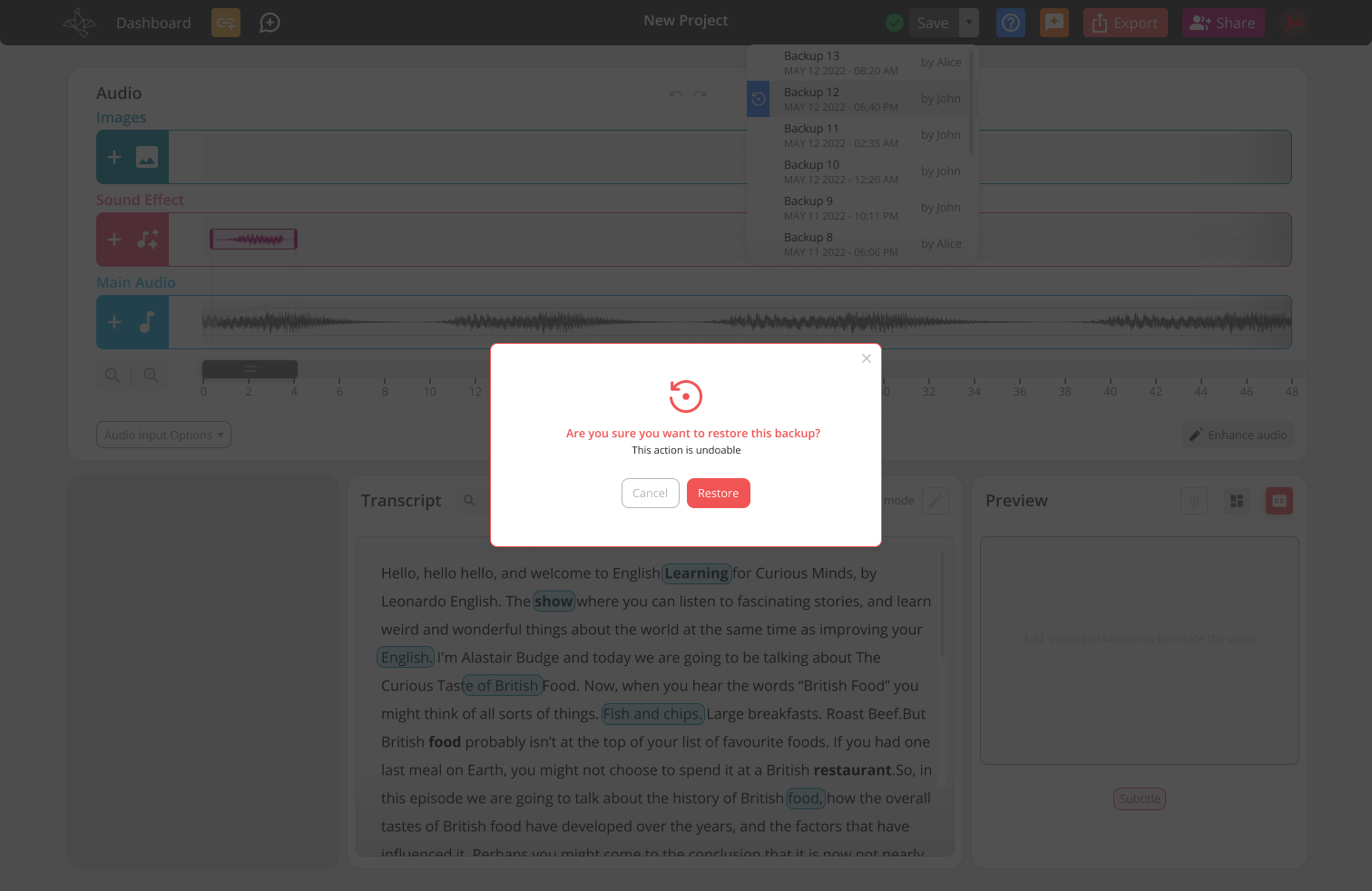
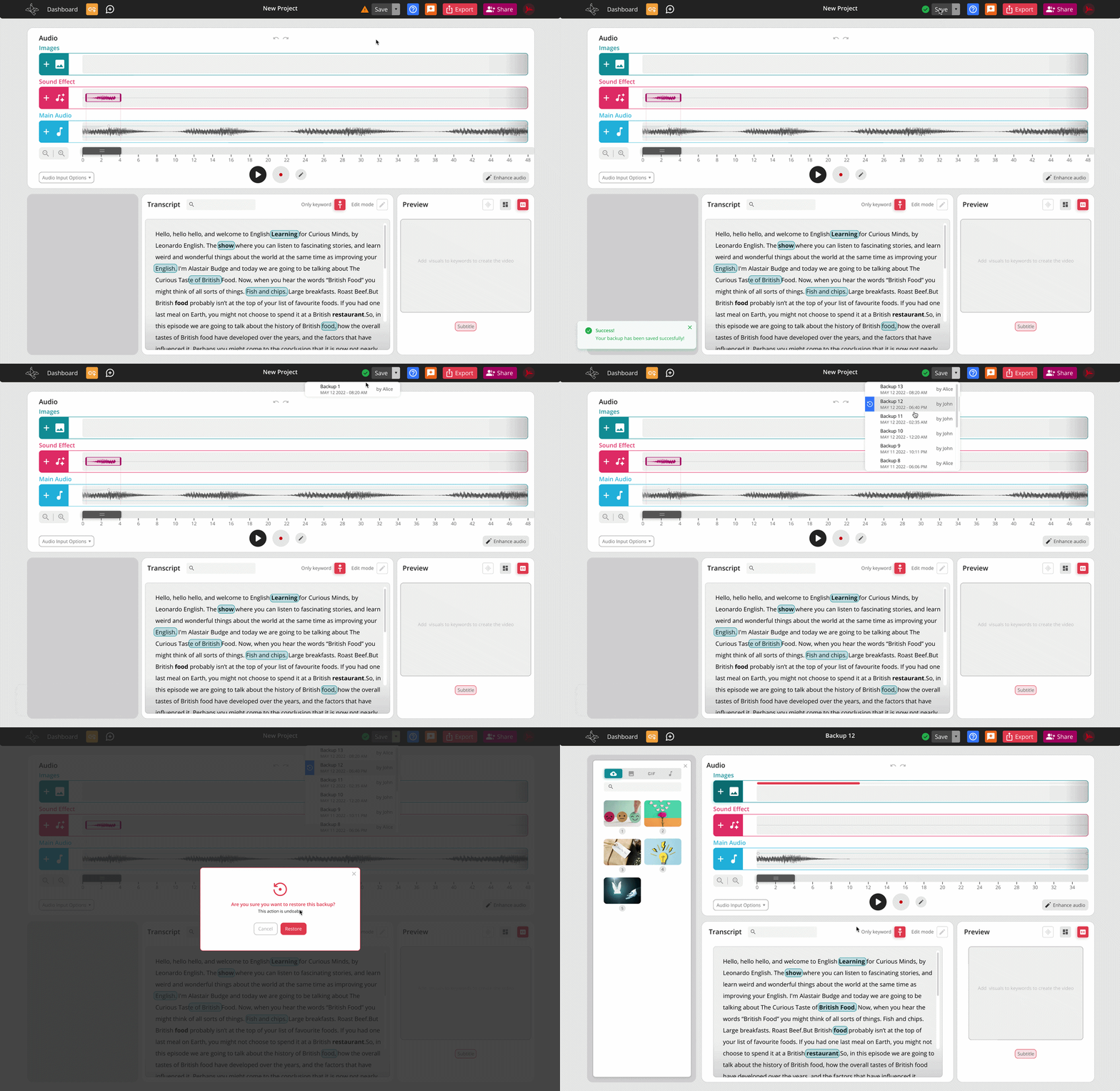
Because Podofly included several connected tools, I designed the full set of states needed for each interaction, including hover, active, loading, success, error, and completed states.
This was especially important for actions such as saving, uploading media, searching, adding sound effects, and editing the audio timeline. Users needed clear feedback that their changes had been applied.
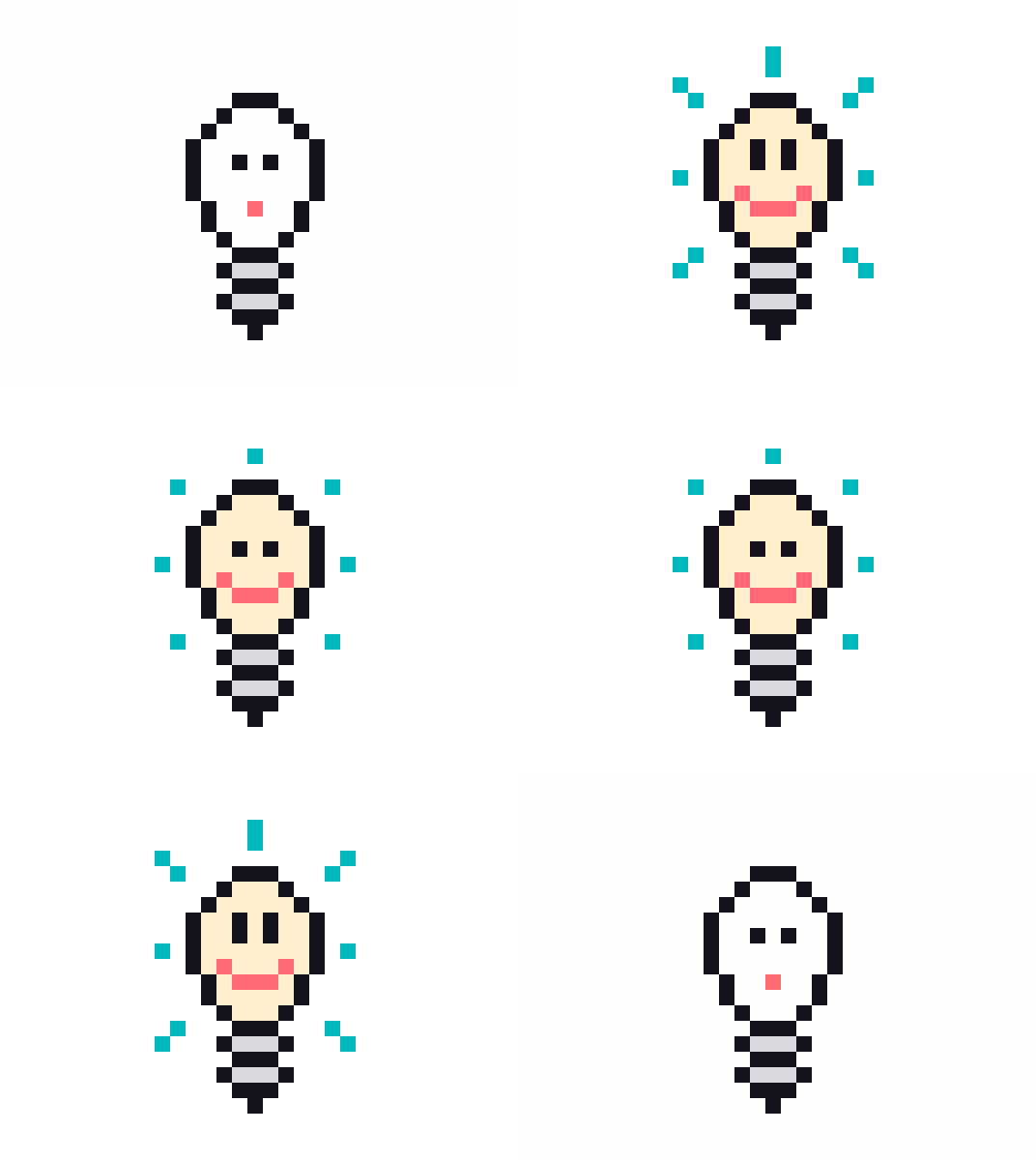
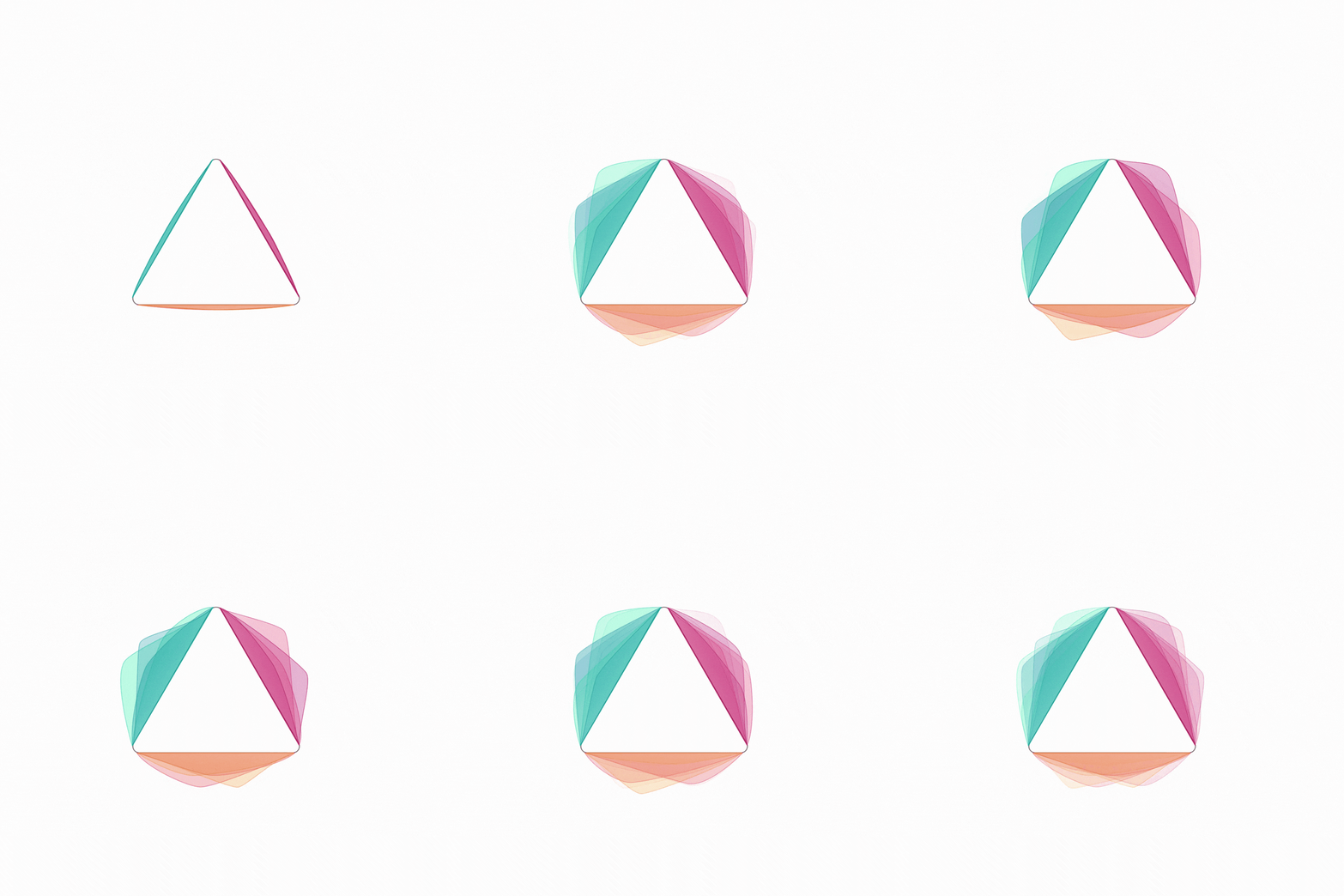
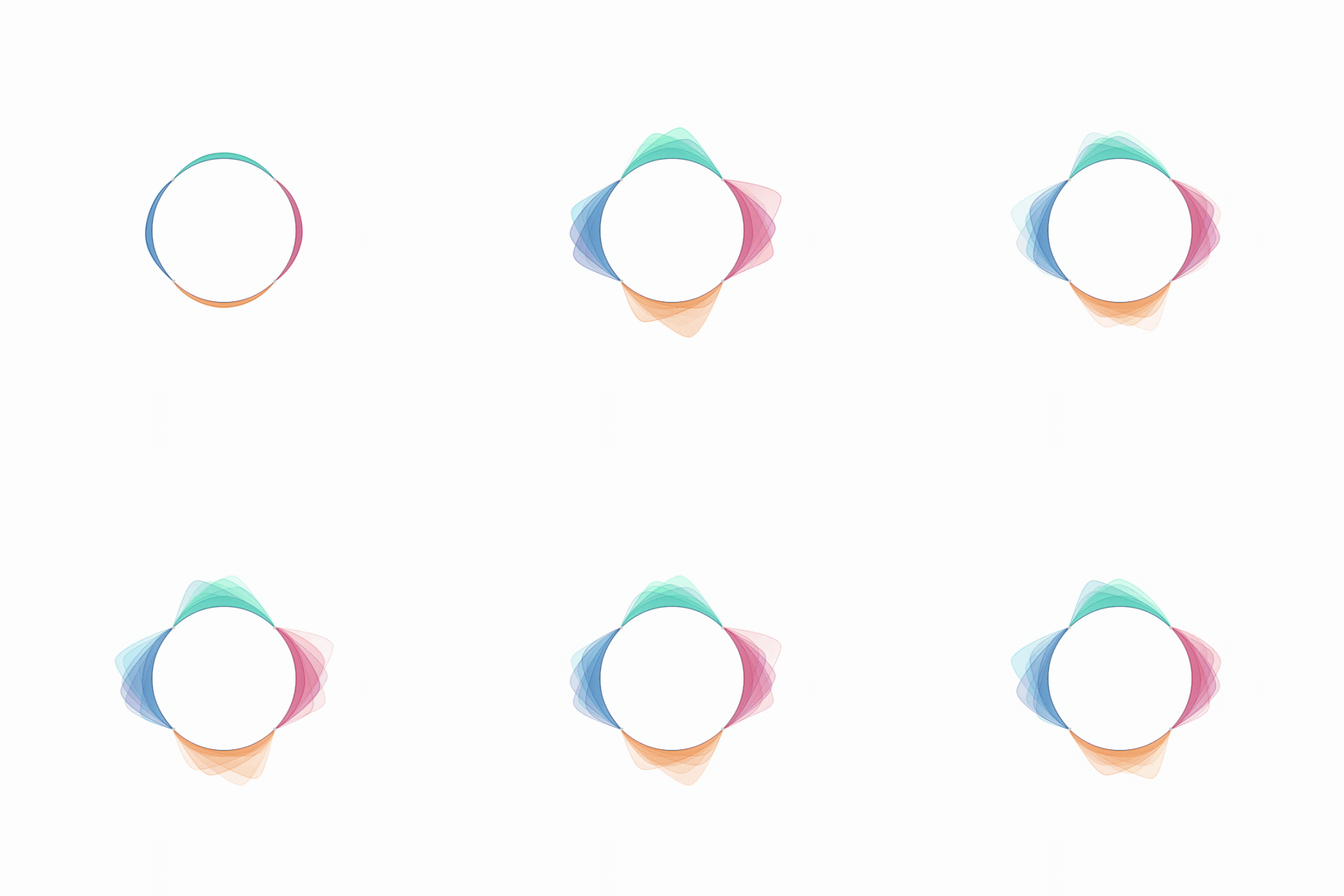
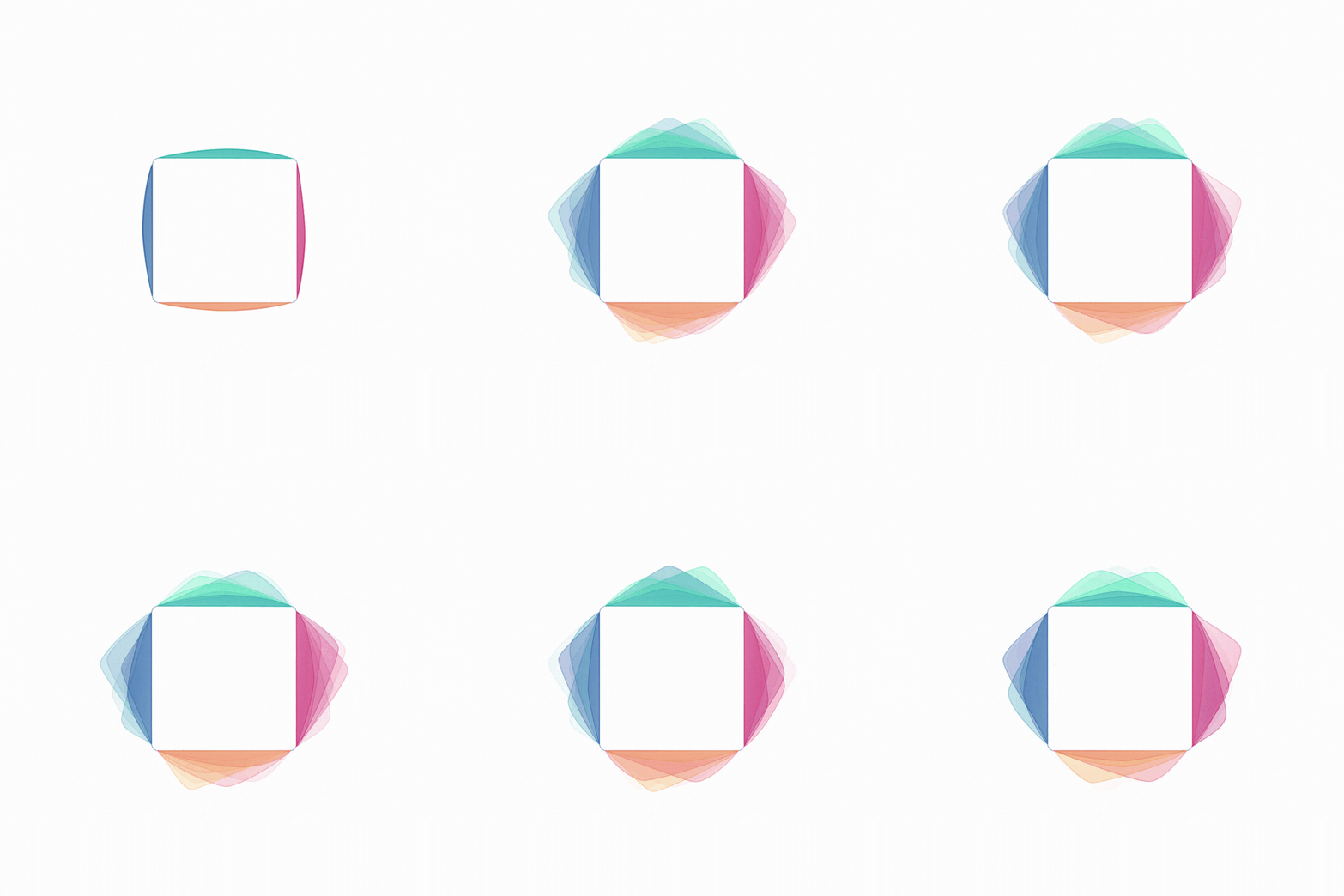
Audio does not naturally give creators much to show on screen, so audiograms became an important part of Podofly’s visual system.
I designed a family of animated audiograms using different shapes and movement styles. They gave creators more choice while helping the final videos feel active and visually connected to the Podofly brand.
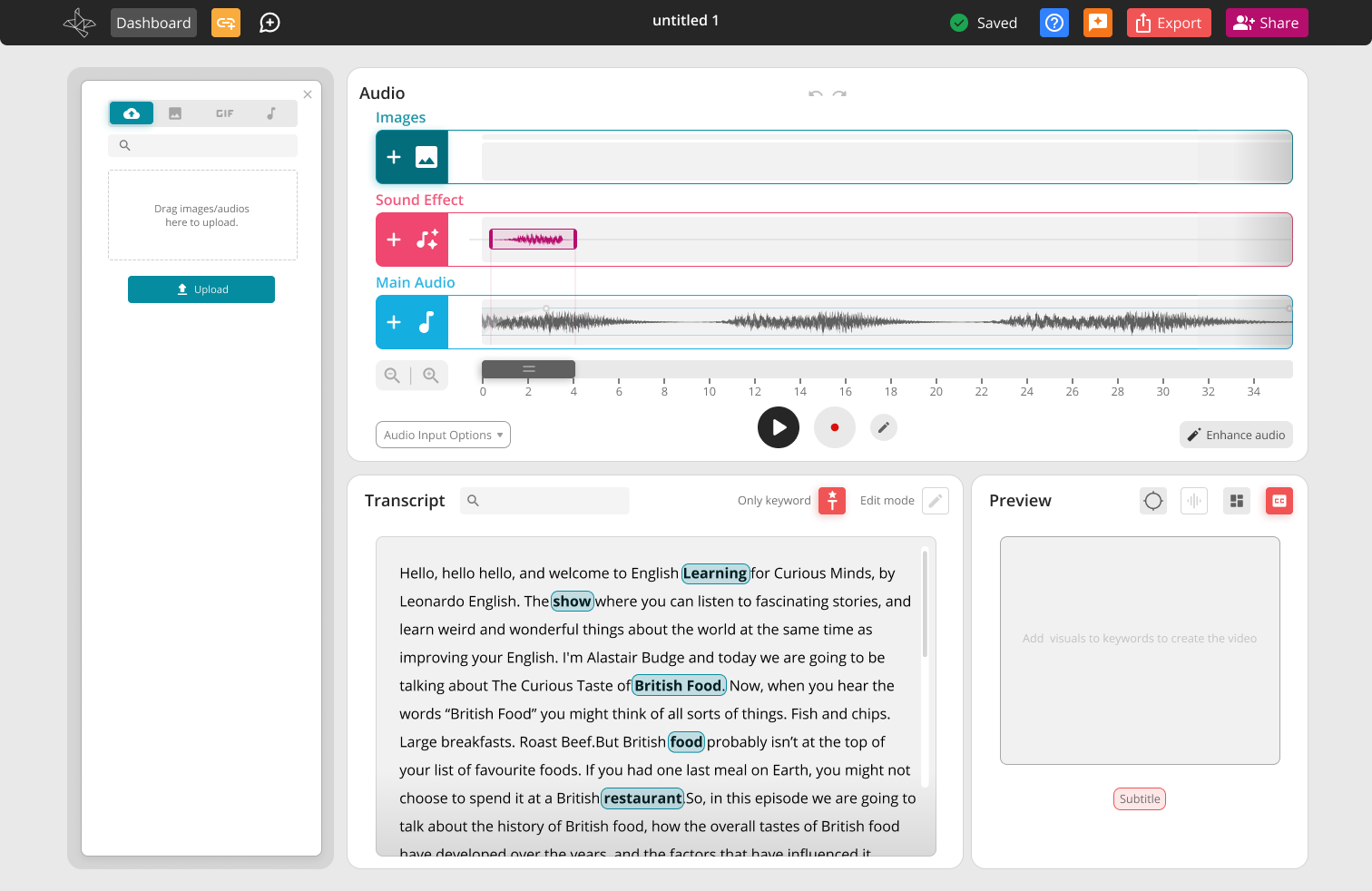
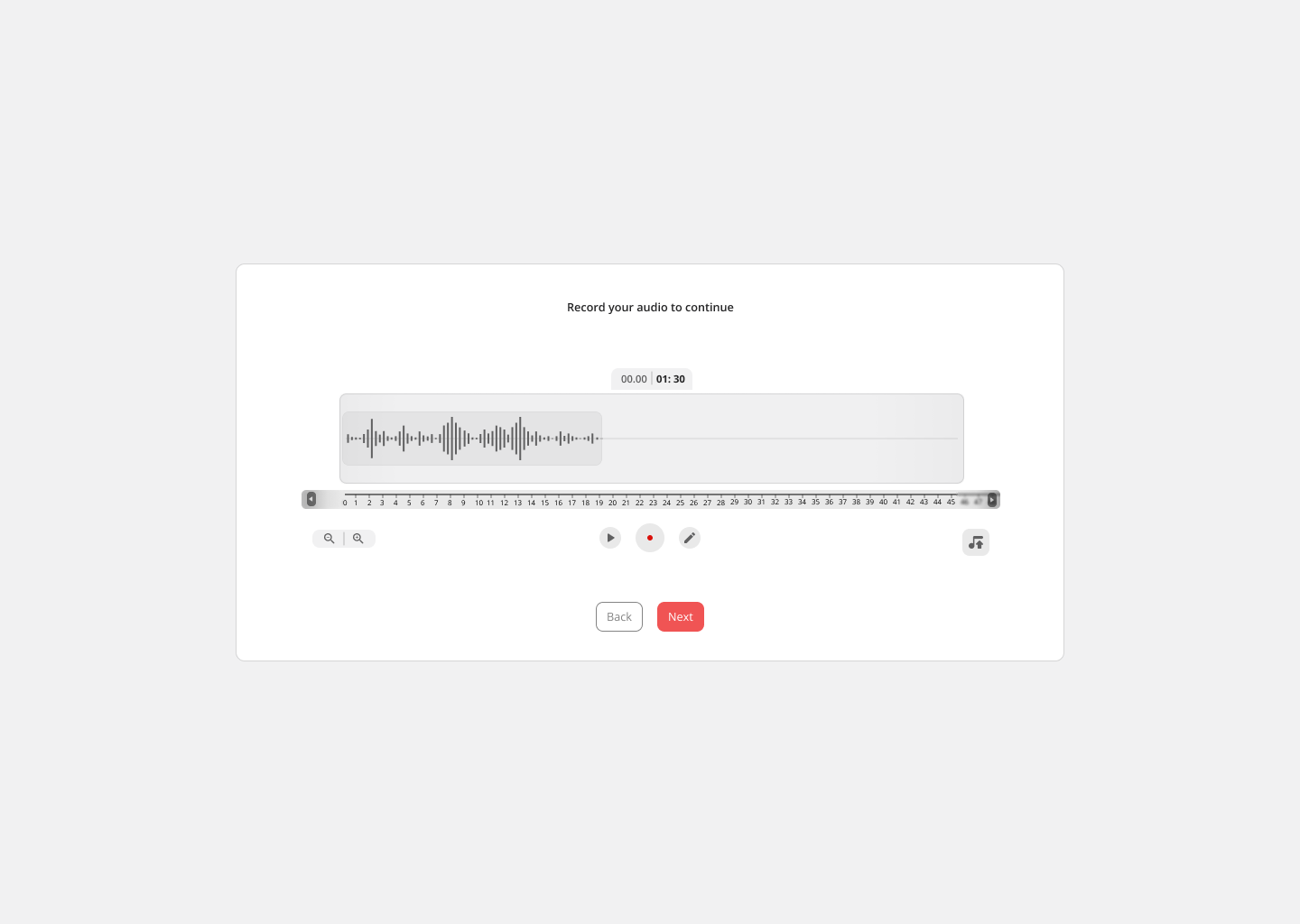
Users could work with their main recording through a visual timeline, make adjustments, and manage additional audio without needing experience with professional sound-editing tools.
The controls focused on the most useful actions while keeping the interface approachable for beginners
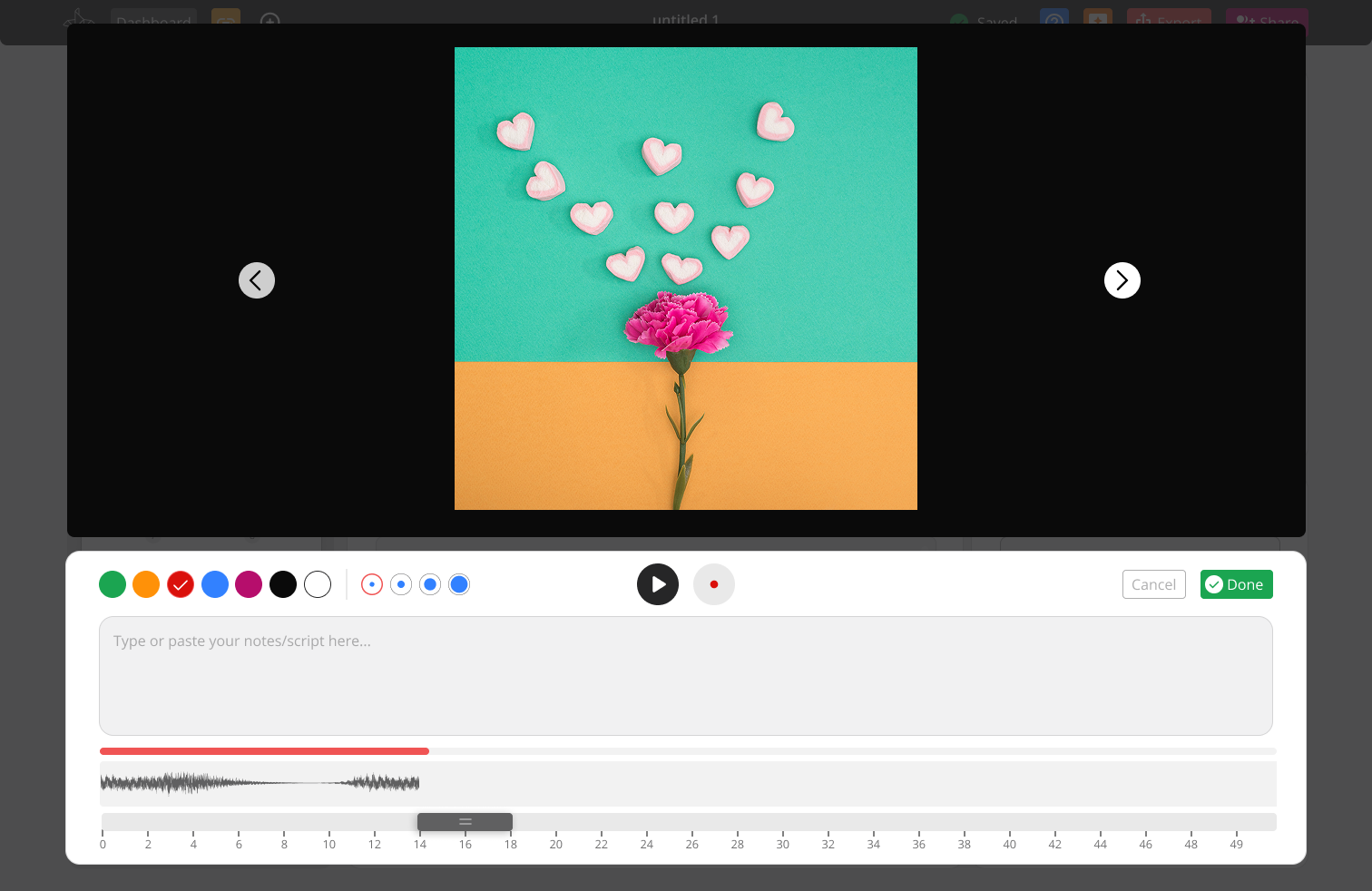
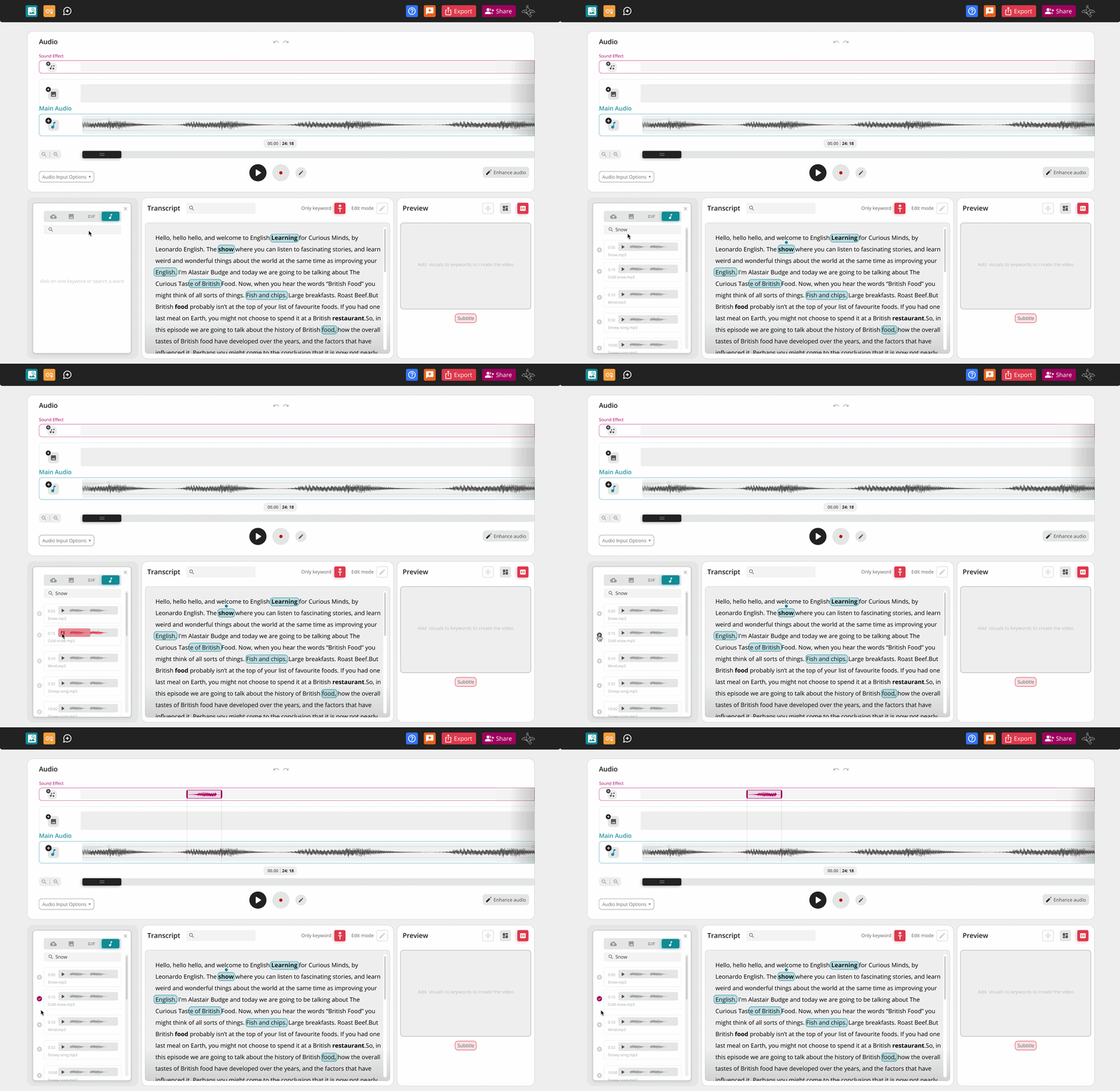
Creators could improve selected parts of their recording and add sound effects directly to the project.
Sound effects could be searched, previewed, and added to the timeline, making it easier to give the final video more energy without leaving Podofly.
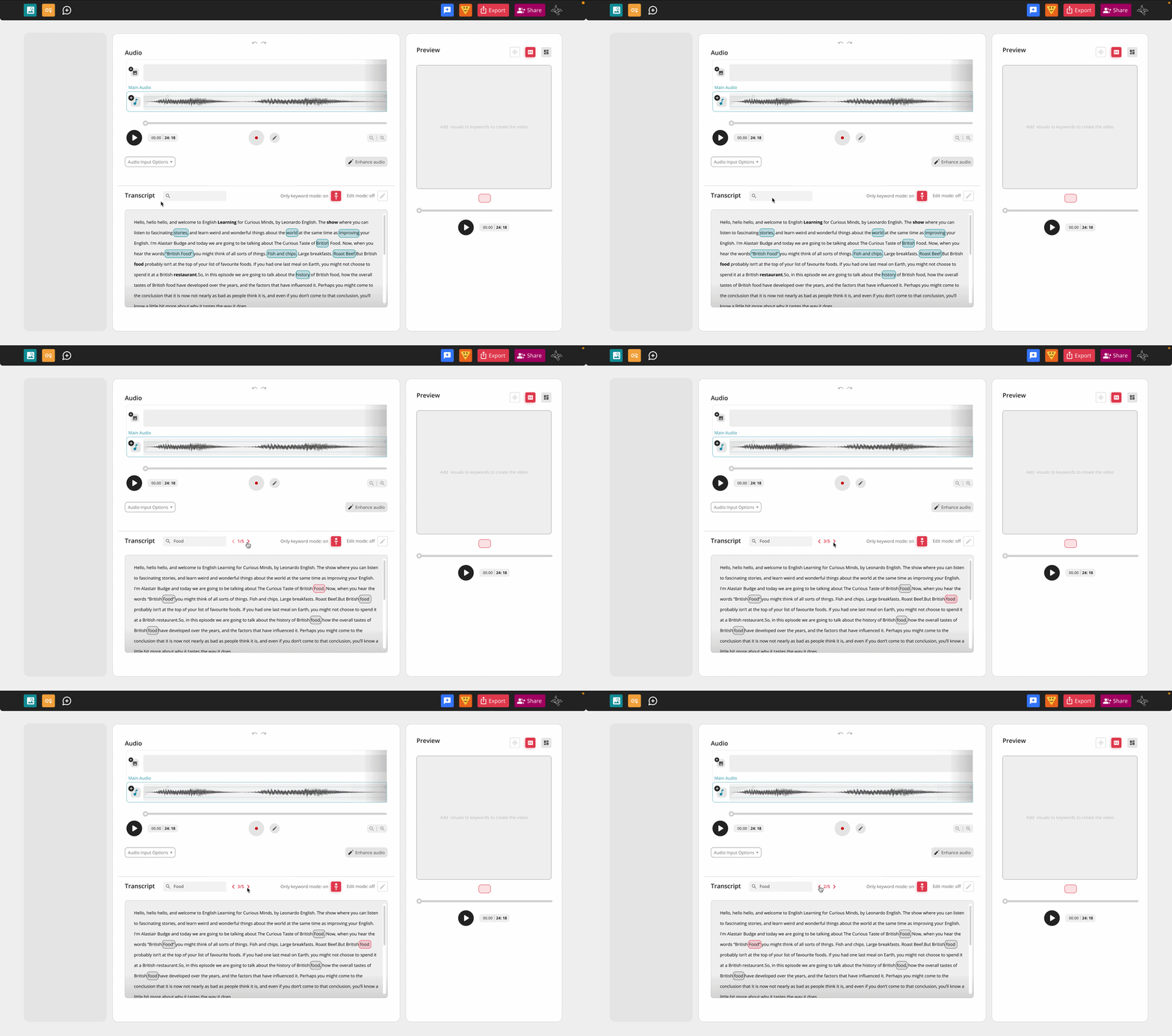
Podofly turned the uploaded audio into a searchable transcript.
Users could search for specific words, move directly to important moments, and identify keywords that could be supported with visuals. This reduced the amount of time spent manually listening through the full recording.
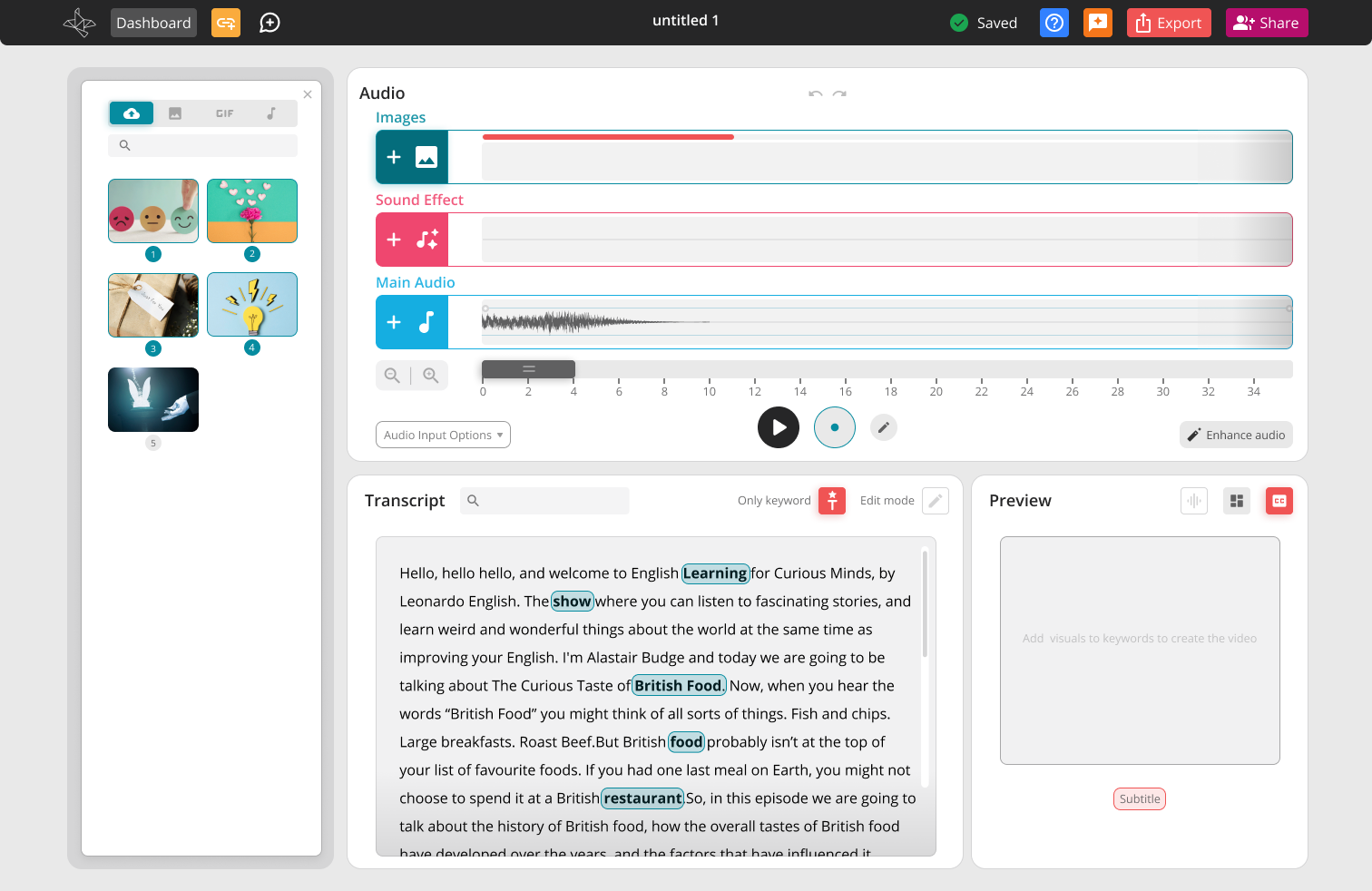
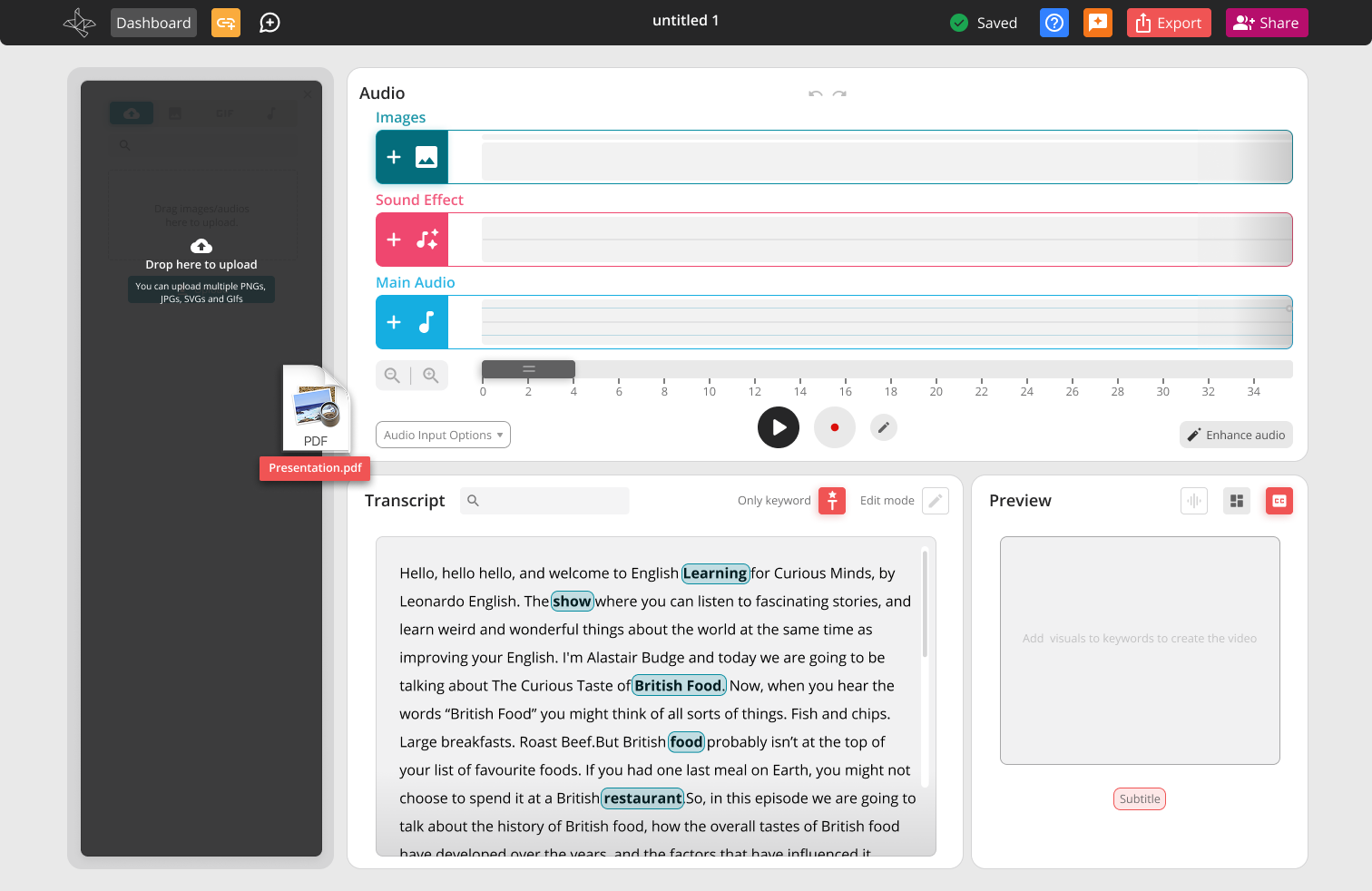
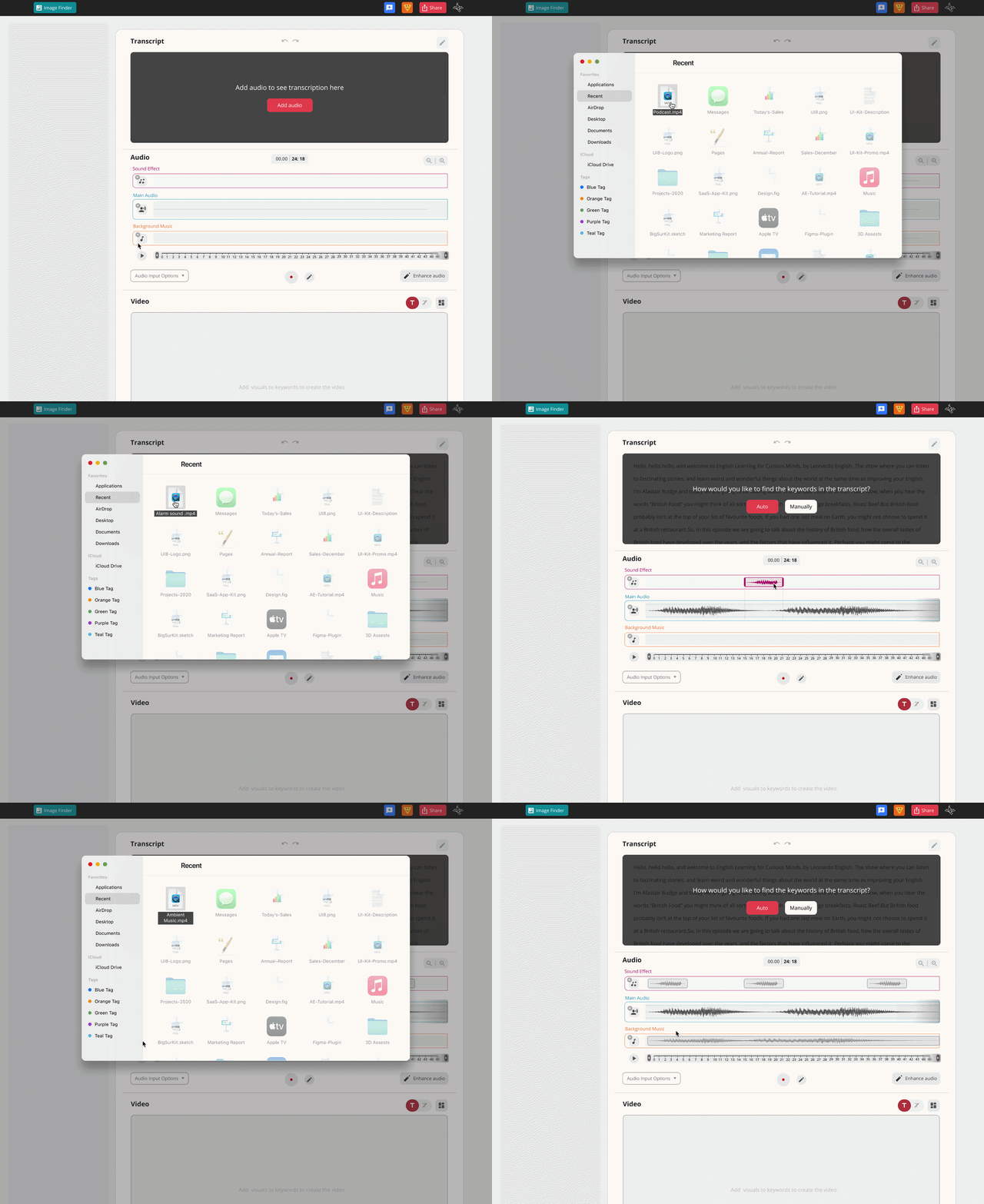
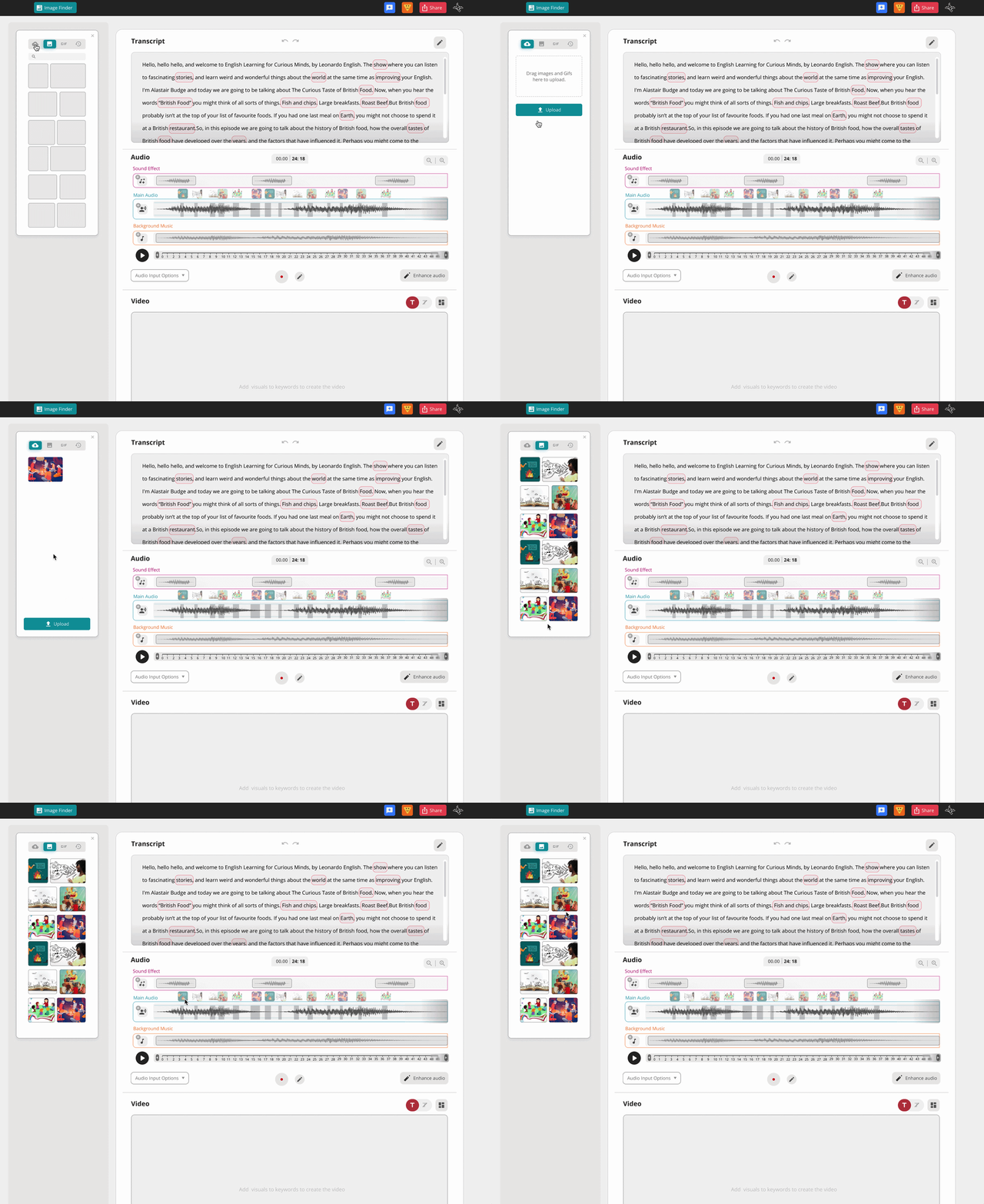
Creators could add images, videos, and other supporting media directly to their project.
The upload flow supported different file types and gave clear feedback while media was being selected, uploaded, or added to the project.
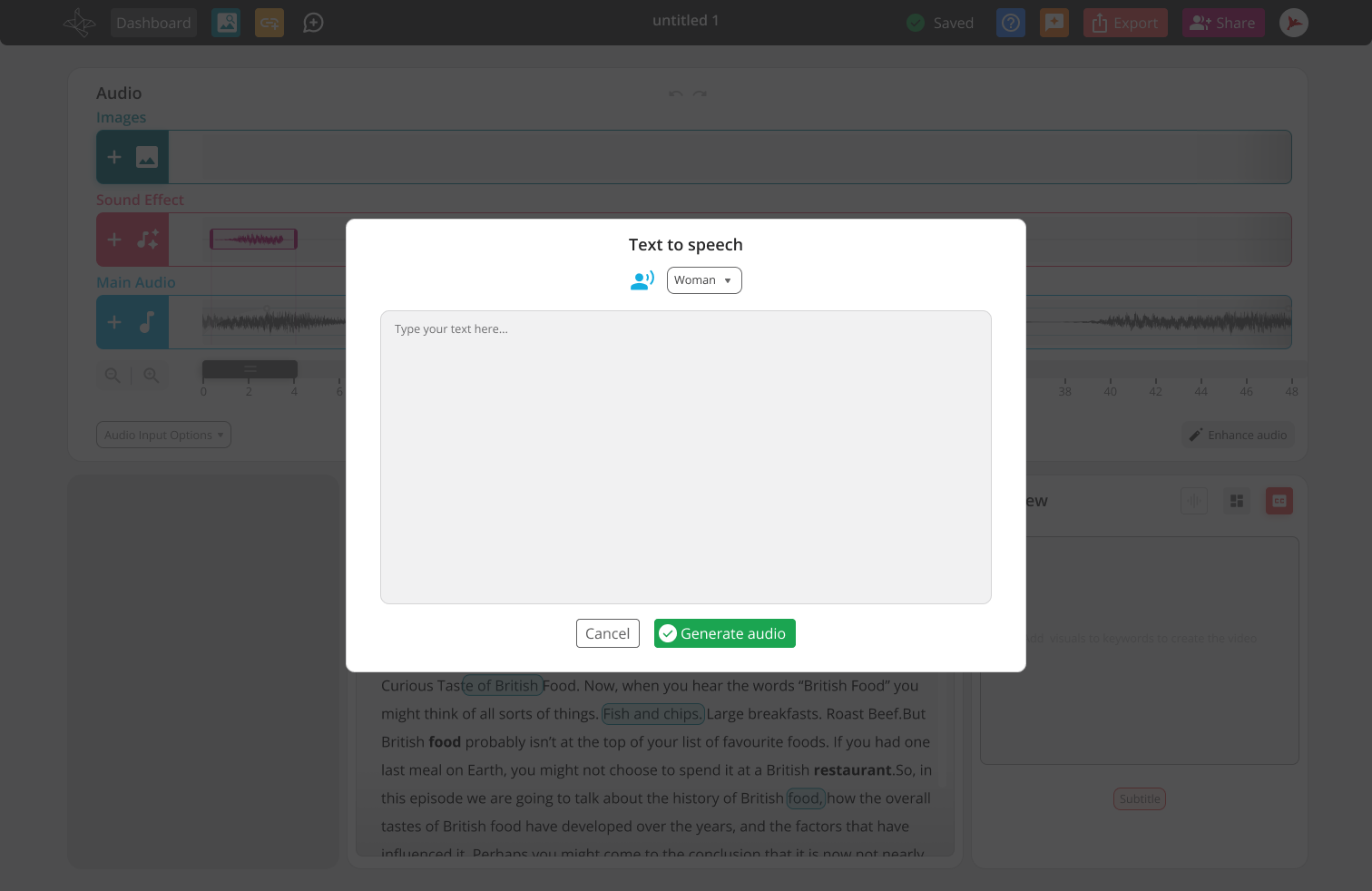
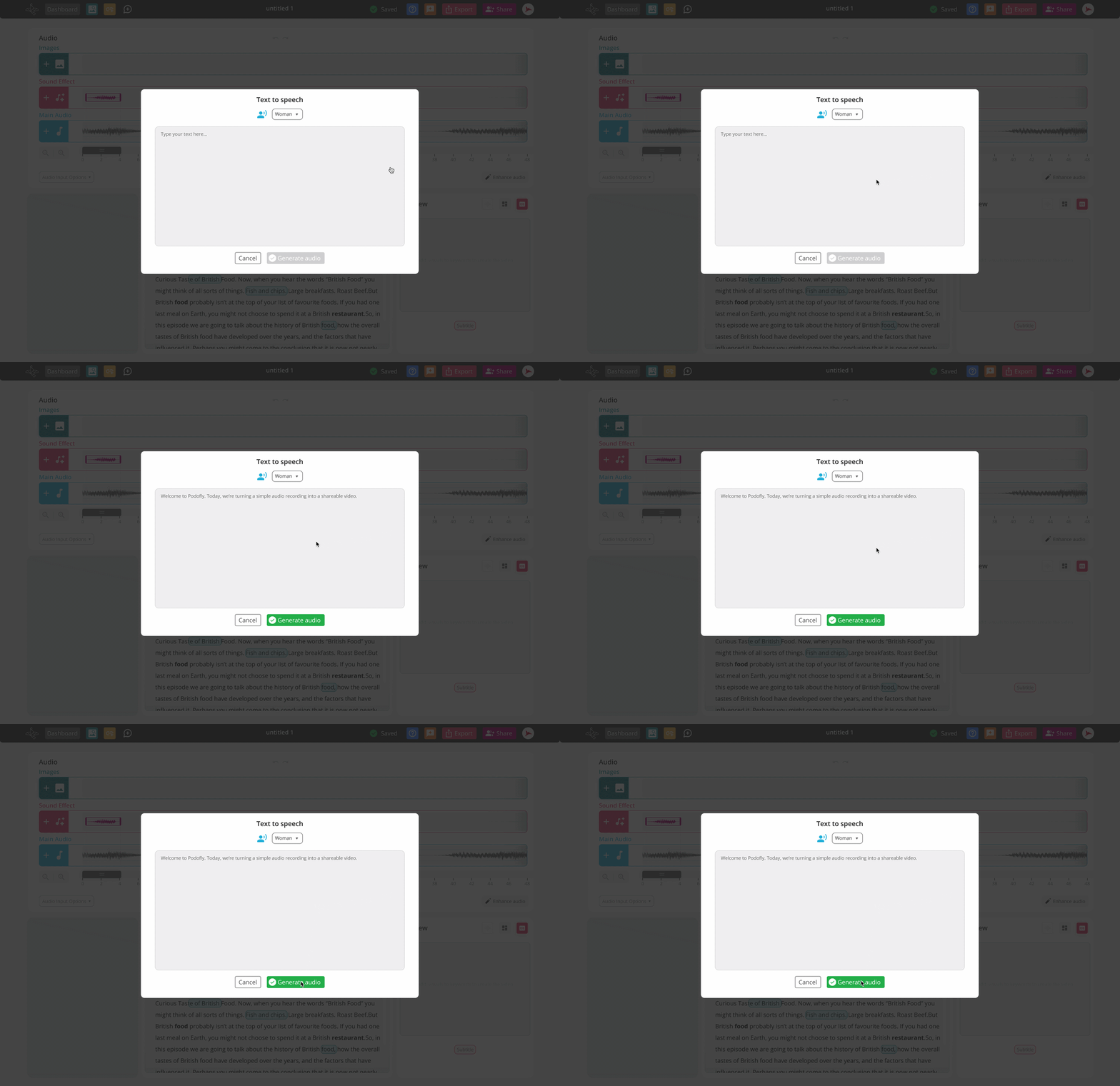
Text-to-speech allowed creators to add generated narration when they needed spoken content beyond the original recording.
The interaction was kept intentionally simple: enter the text, generate the speech, and add it to the project.
Inside Podofly, collaborators could leave comments directly in the workspace, similar to Figma.
They could also attach audio recordings and image files, helping teams communicate ideas, examples, and feedback with more context.
I designed and produced this walkthrough to show how collaborators could share comments, audio recordings, and image files inside Podofly. The video was also used by Castofly’s founder across LinkedIn and social media.
When a video was shared, viewers could leave comments on specific moments instead of giving broad feedback outside the product.
Connecting each comment to the relevant part of the video made feedback clearer and easier for creators to apply.
I created this short feature video to explain how viewers could comment on specific moments in a shared video. It was later shared by Castofly’s founder on LinkedIn and other social channels.
Podofly was developed and released as part of Castofly in 2022.
As the only designer, I was responsible for turning a complex set of audio, video, and collaboration features into one connected product experience. I worked across the complete design process, from defining the workflow and editor structure to designing detailed interaction states and supporting the development team during implementation.
What I like most about Podofly is that it started with something users already had: their audio. It did not ask them to become video editors first. It helped them gradually turn their recording into something visual, engaging, and ready to share.
This project taught me that simplifying a creative tool does not mean removing control. It means showing people the right control at the moment they need it.
Designing the complete video creation platform
Explore the larger product Podofly was created within, including the editor, onboarding, design system, and platform experience.
.png)
Building the visual identity behind the product
Explore the branding, illustrations, website, and marketing experience created for Castofly.